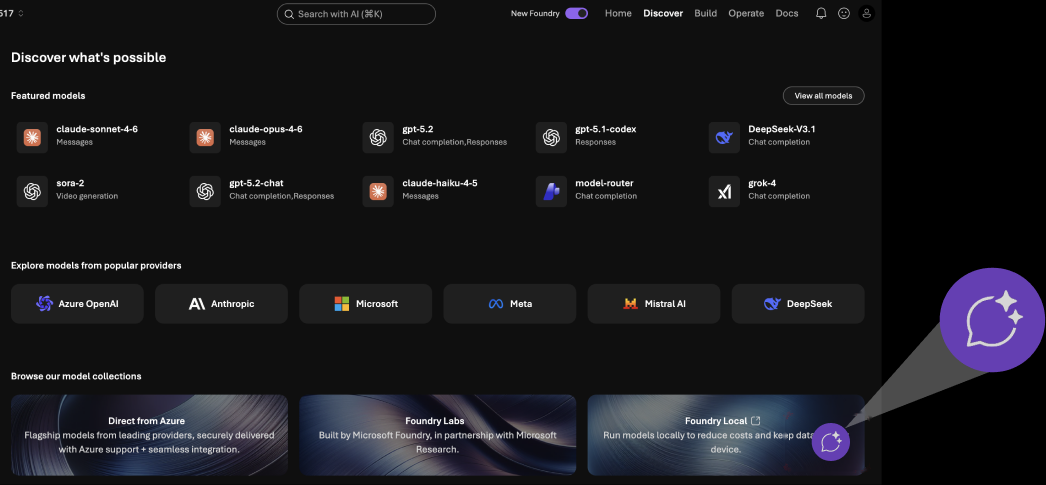
High priority #1Low discoverability of “Ask AI” tool
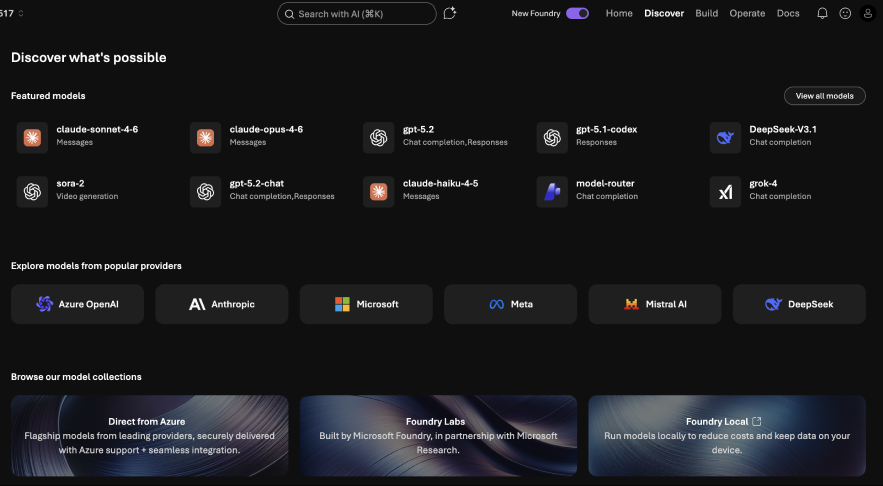
Many treated “Search with AI” as a standard search bar, missing the capabilities of an AI assistant in “Ask AI”.
- 4 out of 8 used keyword searches (e.g., “Models,” “Chatbot”).
- 1 of 8 interacted with the “Ask AI” chat icon next to the search field.
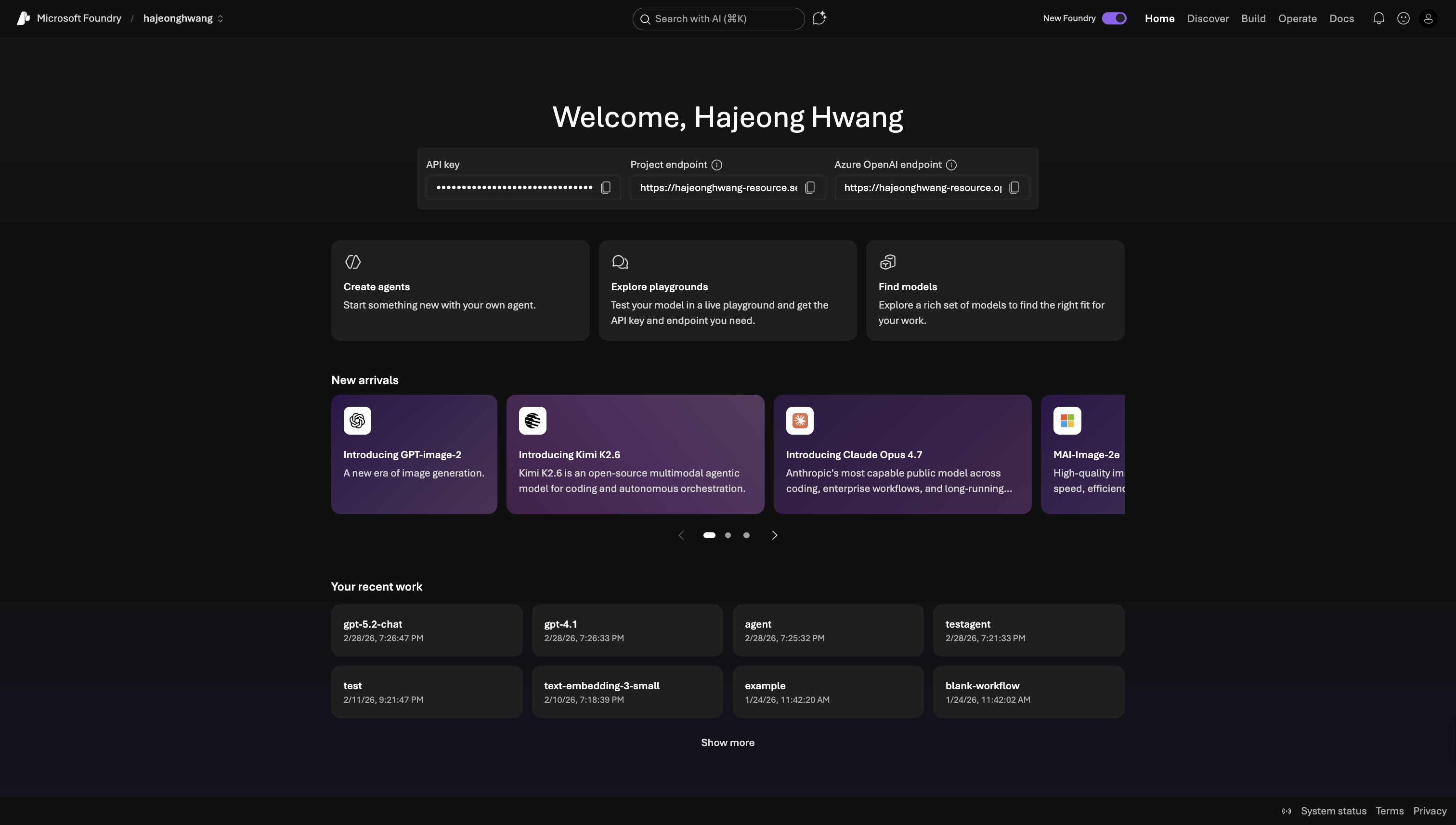
Search with AI & Ask AI
Solution
More intentional design for the search bar and AI features.
- Better support traditional search functions.
- Call more attention to AI agent.
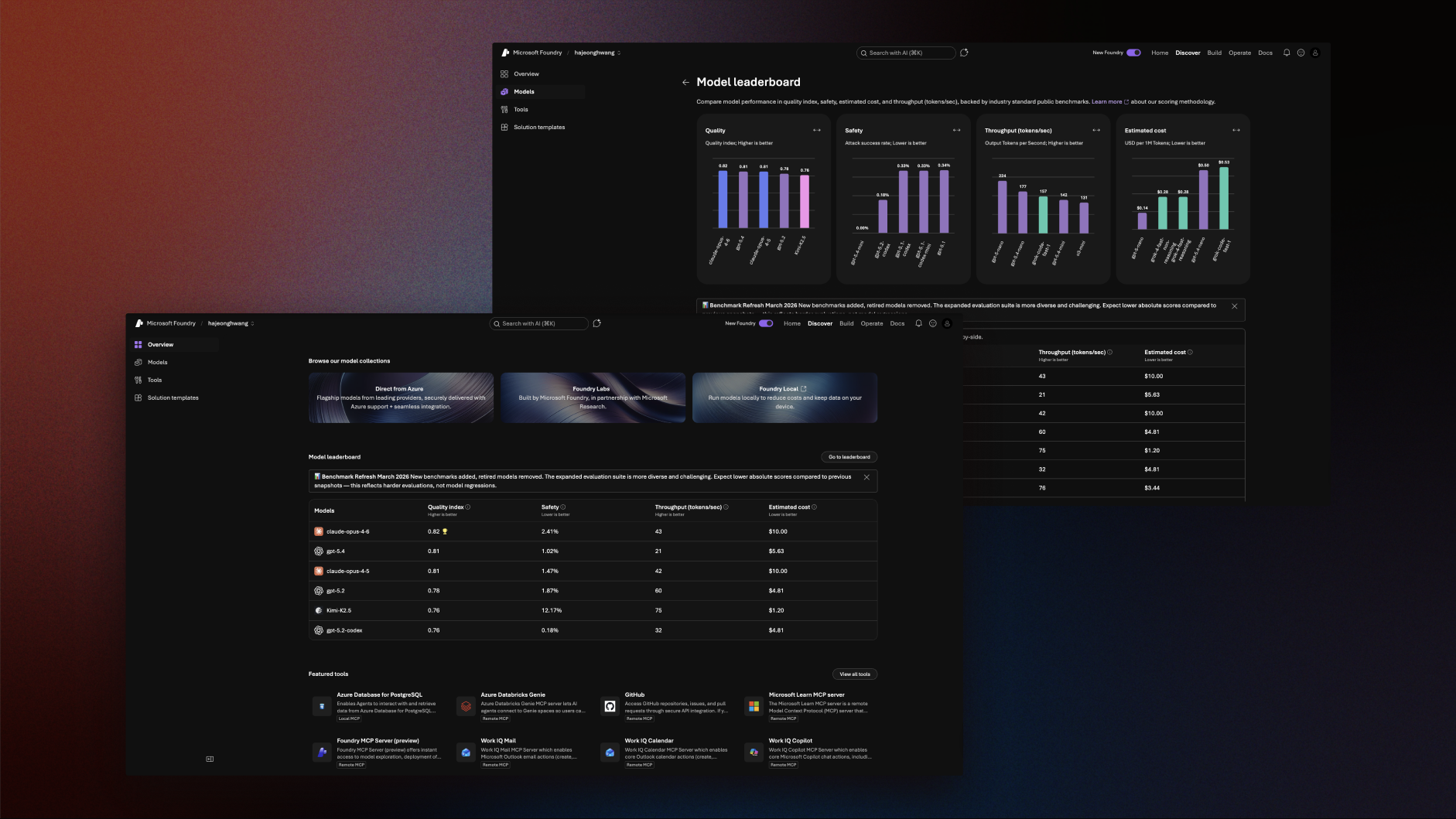
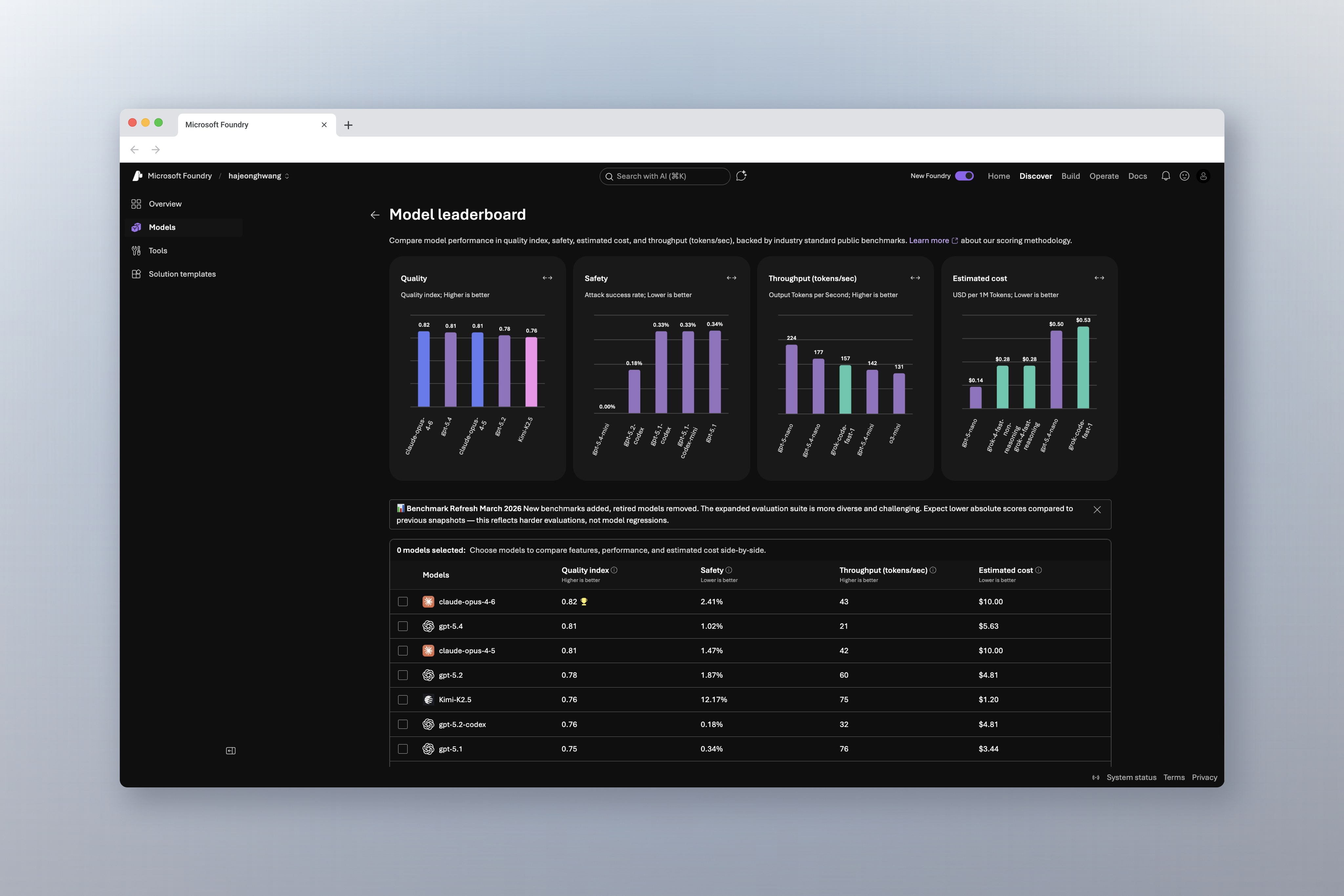
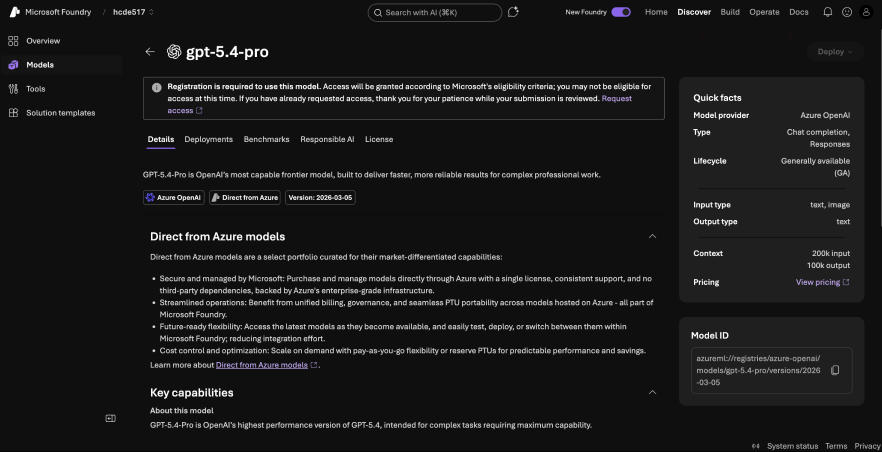
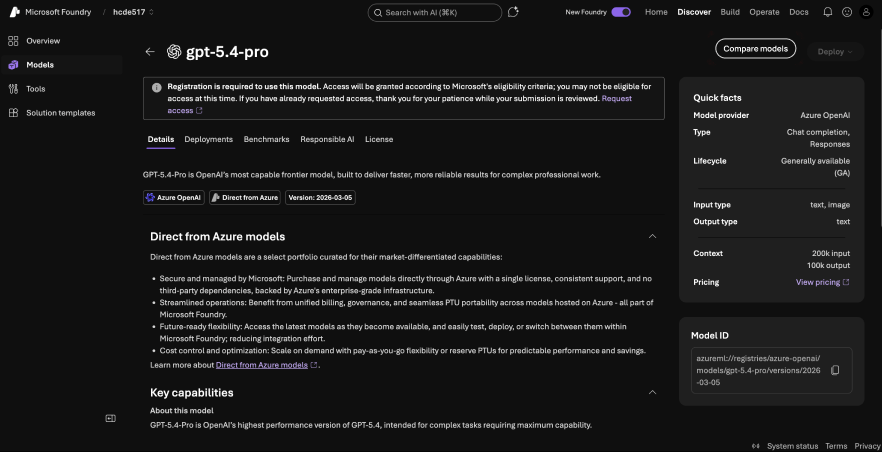
The “Compare Models” feature was generally easy to use — once found
This chart covers how long it took participants to find the comparison page after being prompted to compare two models. On average, it took 60 seconds to locate the "compare models" feature.
- For five of our participants, it took under 20 seconds for them to locate Compare Models. However, two participants, participant 4 and 7, took 3 minutes to locate the compare models feature. One participant, participant 3, never found the compare models screen.
How long did it take participants to find “Compare Models”?
But why did it take some participants longer than others? It mainly depends on what screen they start searching from.
How long did it take participants to find “Compare Models”?
Time taken (on average)
Started from models page0:10
050100150200
Time (In Seconds)
Solution
Surface Compare Models CTA to more screens (especially to Model Specifications) for greater accessibility.